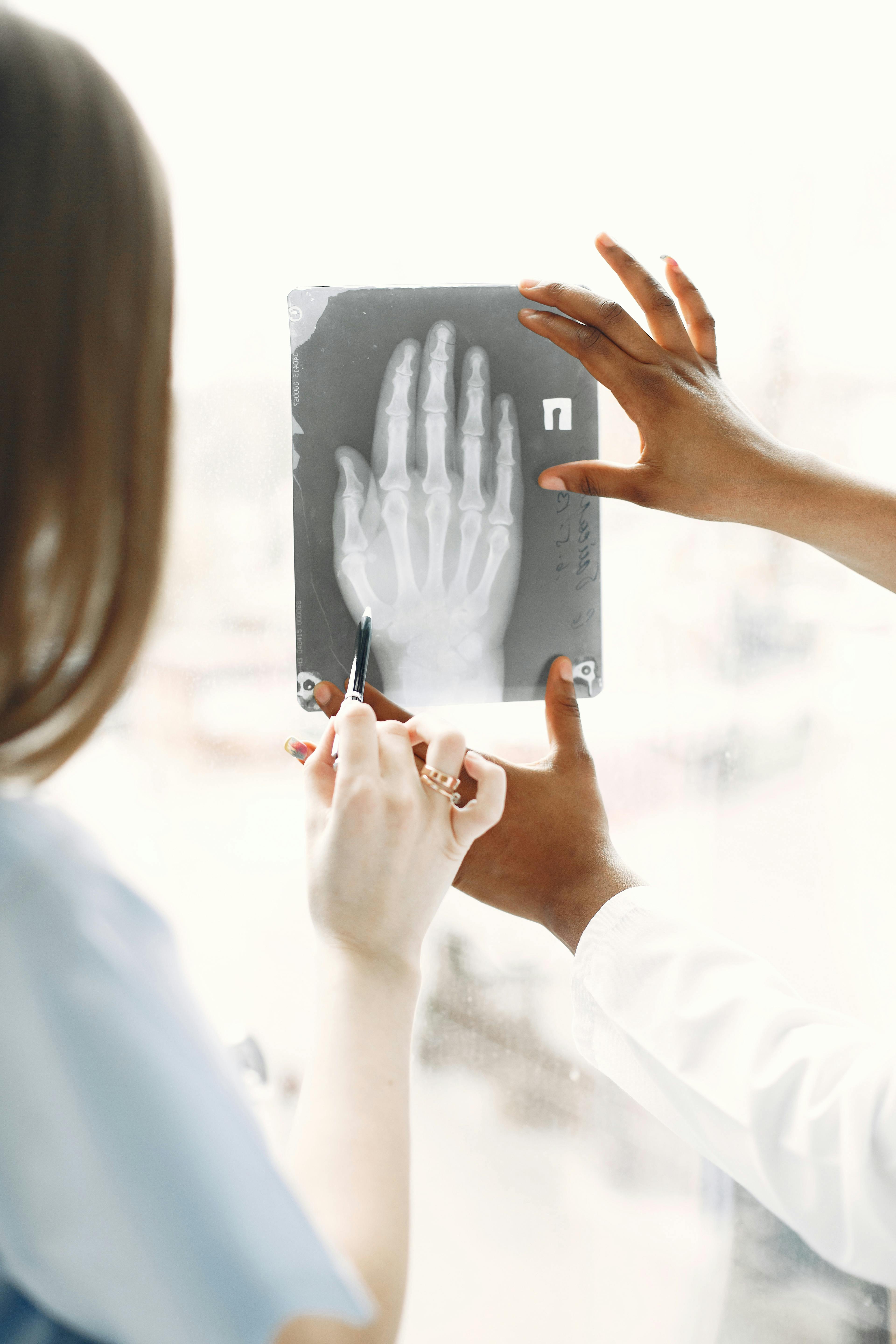
How Does Mobile Radiology Scanning Improve Patient-Centered Imaging?
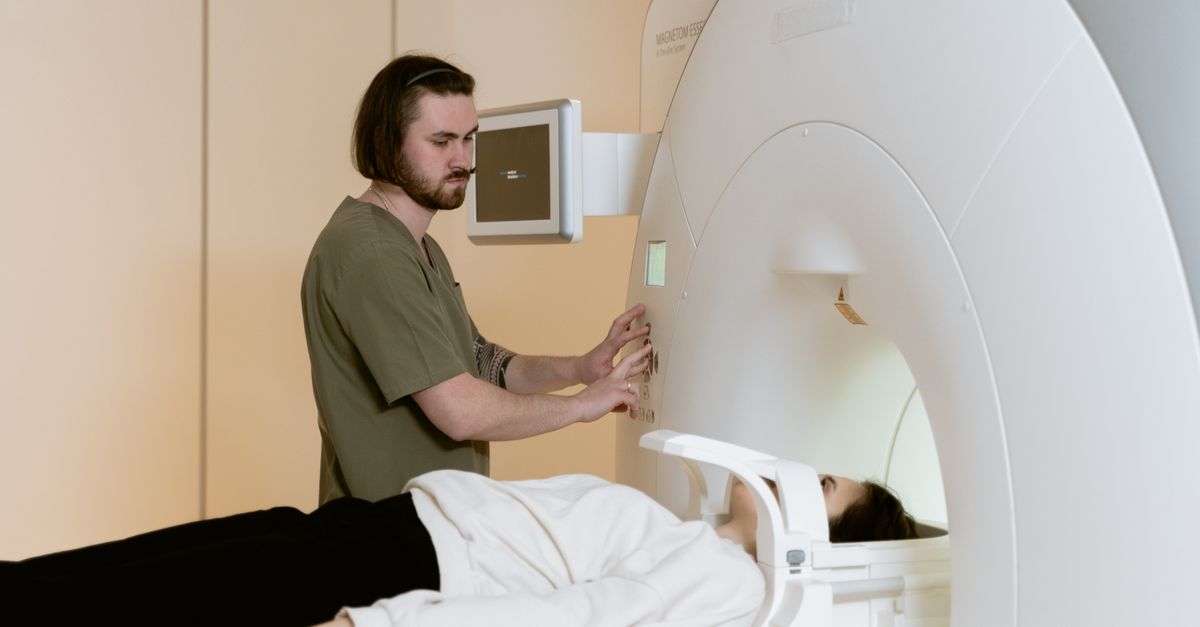
I’ve spent the past decade developing tech that places patients at the heart of care, with mobile radiology scanning—especially ultrasound services in nursing homes—being a prime example. The key questions are: how do these mobile solutions operate, why are they HIPAA‑compliant, and what should you watch for during implementation?
What Is Patient-Centered Imaging?
Patient-centered imaging reduces the burden on patients while enhancing diagnostic precision by delivering high-quality images directly to their current location—home, nursing facility, or ward—rather than requiring travel.
Why It Matters
Patients with limited mobility or chronic conditions gain the most: faster results reduce anxiety and improve outcomes through quicker treatment decisions.
Key Benefits of Patient-Centered Imaging
- Lower transportation costs, freeing staff for direct care.
- Reduced infection risk in high‑traffic facilities.
- Quicker image interpretation—days to hours.
- Higher patient satisfaction as families avoid lengthy trips.
- Improved compliance with care plans through prompt data availability.
These advantages directly translate into better care quality and operational efficiency.
Mobile Radiology Scanning vs. Traditional Hospital Imaging
Traditional imaging forces patients to travel to a center, with waiting rooms and exposure risks. Mobile scanning brings portable X‑ray units, CT scanners, and especially ultrasound machines right to the patient’s doorstep.
When to Choose Mobile Imaging
If your facility serves many elderly or immobile patients, or if you aim to cut readmission rates, mobile imaging is ideal. It’s also critical in remote areas lacking full-service radiology departments.
Cost Comparison Overview
- Setup: Mobile units cost about 30% less than building an in‑house lab.
- Operations: Lower staffing needs and no facility maintenance.
- Transport Savings: Eliminates ambulance or taxi expenses.
- Depreciation: Portable devices depreciate faster, spreading costs over fewer years.
The vehicle and equipment outlay is higher, but five‑year ownership often favors mobile solutions—especially when factoring in reduced patient delays. For example, a rural nursing home that spent $2,500 monthly on ambulance transport could redirect those funds to staff training once imaging becomes on‑site.
Ultrasound Diagnostic Services in a Mobile Context
Portable ultrasound is the backbone of most mobile fleets. Its lightweight design allows rapid deployment for real-time diagnostics—from abdominal pain to cardiac evaluation.
Common Use Cases for Nursing Homes
- DVT detection in immobile residents.
- Post‑surgery abdominal monitoring.
- Echocardiography for heart failure management.
- Pelvic scans for pregnant residents with complications.
- Renal ultrasound to assess kidney size and detect obstructions.
These cases explain why many facilities invest in mobile ultrasound as part of a patient-centered strategy.
Equipment Considerations for Mobile Ultrasound
- Battery life: Minimum 8 hours per charge to cover multi‑patient shifts.
- Image quality: Dual‑frequency heads (5 MHz deep, 12 MHz fine) offer versatility.
- Data storage: Encrypted SD cards or secure cloud uploads protect data integrity.
- Durability: Rugged housings guard against bumps and temperature extremes.
- Connectivity: LTE or satellite options support image transfer in bandwidth‑limited areas; offline caching allows delayed uploads.
Selecting the right device is critical. Vendors usually provide demo units and pilot periods to evaluate performance under real conditions.
Ensuring HIPAA Compliance on the Go
Mobile teams must protect patient data just as rigorously as stationary facilities, using both technical safeguards and portable administrative policies.
Data Security Steps
- End‑to‑end encryption: AES‑256 or equivalent for all transfers over cellular or satellite links.
- Multi‑factor authentication: Password plus biometric or token login to limit unauthorized access.
- Audit logs: Timestamped, tamper‑evident records for compliance reviews.
- Role‑based access controls: Only authorized clinicians and technicians view or edit images.
- Regular updates: Firmware patches applied during scheduled maintenance to address vulnerabilities.
These measures keep information secure regardless of location, ensuring mobile imaging remains a trustworthy HIPAA‑compliant service.
Implementing Mobile Imaging for Nursing Homes
Deploying mobile imaging requires careful planning to align with clinical workflows and regulatory needs. Below is a practical roadmap.
Best Practices and Pitfalls
- Needs assessment: Identify common diagnostic requests via chart audits or staff interviews.
- Equipment selection: Match device specs to identified needs while staying within budget, considering future expansion.
- Staff training: Cover device operation and data privacy protocols; use simulation drills for time‑pressure scenarios.
- Scheduling procedures: Use a shared calendar or dispatch system that flags availability windows to avoid conflicts with other services.
- Maintenance contract: Secure regular servicing and software updates to prevent downtime.
- Consent forms: Tailor patient consent for mobile imaging, explaining capture, storage, and sharing processes.
- IT coordination: Confirm facility network can handle uploads and that backup power supplies are adequate.
Skipping any step risks missed diagnoses, data breaches, or wasted investment.
Implementation Steps Checklist
- Step 1: Form a cross‑functional team (clinical, IT, compliance).
- Step 2: Draft SOPs for acquisition and transmission.
- Step 3: Procure the unit and secure financing.
- Step 4: Pilot in one or two facilities.
- Step 5: Gather feedback, refine processes, then scale.
During the pilot, track metrics such as scan‑to‑report time and technical incidents to guide refinement.
Common Mistakes to Avoid
Even experienced operators can falter. Recognizing pitfalls early saves resources.
Top 5 Pitfalls
- Bandwidth underestimation: Rural sites may have limited coverage; conduct site surveys before deployment.
- Insufficient battery life: Units that recharge every four hours interrupt patient care for swaps.
- Lack of HIPAA training: Even excellent tech fails if users ignore privacy protocols, risking accidental disclosures.
- Non‑integration with EHR: Separate reporting streams create duplicate work and increase miscommunication risk; use API connectors to push images directly into the host EHR.
- Manual data entry: Increases error risk—use automated metadata capture whenever possible.
Mitigating these risks involves robust connectivity, comprehensive training, and seamless EHR integration from day one.
Key Takeaway: Mobile radiology scanning delivers faster, more accessible imaging while maintaining HIPAA compliance—transforming patient-centered care in nursing homes and beyond. In my first deployment of a mobile ultrasound unit to a rural nursing facility, we cut diagnostic turnaround from 48 hours to under an hour—a direct boost to resident outcomes. What challenges have you faced when integrating mobile imaging into existing care workflows?Frequently Asked Questions
Browse answers to common questions about our services.