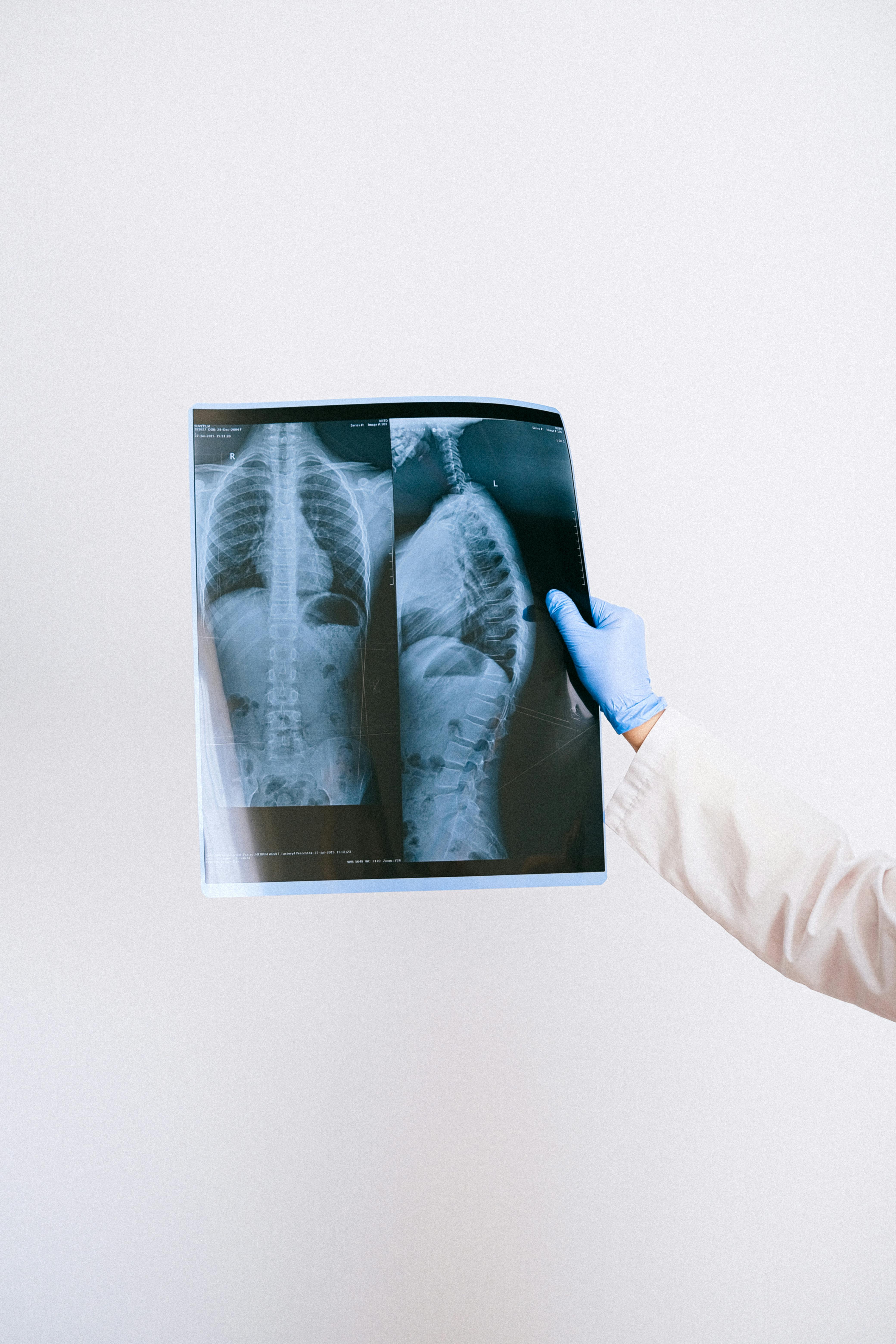
How Can Accessible Radiology Services Improve Care Coordination in Assisted Living?
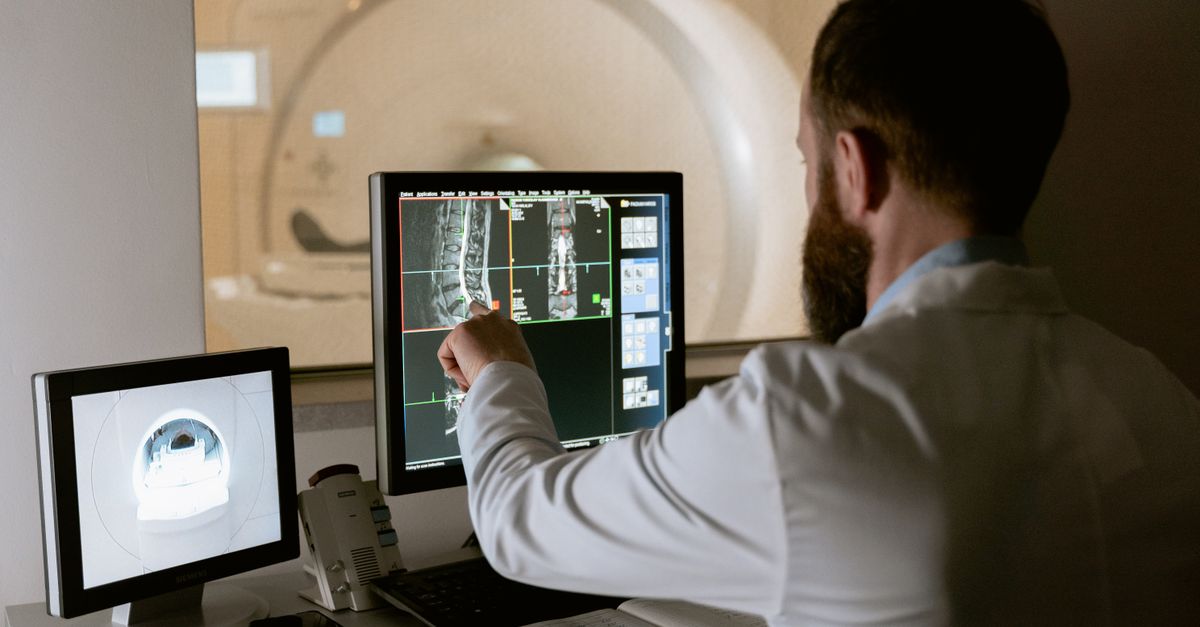
Radiology care coordination is no longer a niche topic. In 2026, assisted living facilities must deliver timely, accurate imaging reports without overloading staff or compromising safety. The focus isn’t on whether to digitize image delivery—it’s how to structure those services so every scan—whether a routine chest X‑ray or an urgent CT—receives prompt, actionable review.
Efficient radiology workflows support regulatory compliance, reduce liability, and boost resident satisfaction. When residents see that imaging results arrive quickly and are interpreted by qualified professionals, confidence in the facility’s care grows—a key factor for retention and referrals.
1. Why Radiology Care Coordination Matters for Assisted Living
Residents often have chronic conditions needing regular monitoring. Delays in receiving scans performed off‑site can lead to missed diagnoses or postponed treatment. Coordinating imaging involves nursing staff, primary physicians, radiologists, and sometimes external specialists. A clear workflow cuts duplication, lowers costs, and improves outcomes.
Consider a resident with congestive heart failure who presents with dyspnea. If the chest X‑ray is performed at an off‑site clinic, a lag in the report might delay diuretic titration or therapy escalation, worsening the patient’s condition. A streamlined system delivers the radiology report within hours, enabling timely intervention.
Key Components of Effective Coordination
- Standardized referral templates to reduce manual entry and errors.
- Real‑time image transmission so images are immediately available for review.
- Automated notifications that alert clinicians without relying on email or paper copies.
- Defined escalation paths for abnormal findings, ensuring critical results trigger an urgent response.
- Regular audit and feedback loops to continually improve the process.
With these elements in place, facilities shift from a reactive model—waiting to see who will read the scan—to a proactive one that guarantees each imaging study is reviewed within established timeframes.
2. Building an Accessible Radiology Service: Infrastructure Essentials
Accessibility isn’t only about residents getting scans—it’s also how easily staff can access and interpret results. The first step is a robust digital platform integrated with the existing electronic health record (EHR).
Infrastructure Checklist
- Secure PACS for centralized image storage and retrieval.
- API integration with EHR to eliminate double‑entry and align patient identifiers.
- Redundant network paths to avoid downtime.
- Mobile access for on‑the‑go review via tablets or smartphones.
- User authentication compliant with HIPAA.
Many facilities choose cloud‑based PACS that scale automatically. A basic setup typically costs $5,000–$15,000 per year, depending on image volume and retention policies. Add a secure VPN or dedicated tunnel to protect confidentiality during transmission.
Select vendors with proven uptime, responsive support, and open APIs for future upgrades. Open APIs reduce lock‑in risk and simplify integration with new tools.
3. Optimizing the Referral Process: From Request to Report
A streamlined referral process reduces paperwork and speeds turnaround. In some facilities, a single button in the EHR initiates an entire workflow—from ordering the scan to delivering the report—without manual intervention.
Best Practices for Referral Templates
- Pre‑filled clinical indications for common conditions (e.g., COPD exacerbation, falls).
- Automatic inclusion of patient demographics and insurance details.
- Mandatory urgency field to trigger appropriate prioritization.
- Links to relevant imaging protocols to reduce repeat scans.
- Audit trail for compliance and quality improvement.
Embedding these elements reduces missing data, ensures radiologists have all they need for accurate reports, and helps technologists prepare equipment in advance, minimizing scan delays.
4. Digital Image Delivery: Speed vs. Security
The core of accessibility is how quickly and securely images reach decision‑makers. In 2026, most facilities use encrypted DICOM transmission over VPN or dedicated secure tunnels.
Speed and security are balanced with end‑to‑end encryption and low latency that meets HIPAA requirements.Key considerations include:
Delivery Protocols
- DICOM over TLS for encrypted transfer.
- HL7 messaging to trigger report notifications.
- Redundant paths (primary VPN + secondary cloud link).
- Audit logs for every access event.
- Regular penetration testing and compliance checks.
Typically, an imaging center uses a high‑bandwidth VPN overlay. IT teams monitor bandwidth in real time, scaling resources during peak periods such as morning rounds when multiple scans are uploaded simultaneously.
5. Automating Report Review: The Role of AI and NLP
Artificial intelligence can flag abnormal findings in real time. An NLP engine that parses reports for keywords like “fracture” or “pulmonary embolism” lets nursing staff triage cases without waiting for the full report.
Implementation Steps
- Select a vendor with proven clinical accuracy (≥90% sensitivity).
- Train the model on your facility’s imaging data set.
- Set alert thresholds based on acuity levels.
- Integrate alerts into existing paging or mobile systems.
- Continuously monitor false‑positive rates and adjust parameters.
Facilities that adopt AI‑driven triage reduce the average time to first review by about 35%.
6. Staffing Models: Who Reviews What?
A common mistake is overloading radiology residents or primary physicians with imaging reviews. Instead, use a tiered approach:
Tiered Review Framework
- Tier 1 – Rapid Response Nurses: Screen alerts for immediate action and notify the on‑call physician.
- Tier 2 – Radiology Technologists: Verify image quality before passing to a radiologist.
- Tier 3 – Senior Physicians or Specialists: Final review of complex cases, such as oncologic imaging.
- Tier 4 – Quality Assurance Team: Periodic audit of report accuracy and turnaround times.
This structure applies expertise where it matters most while keeping the workflow efficient. A nurse trained in basic radiology can triage an urgent chest X‑ray before a full review, allowing treatment to start sooner.
7. Managing Cost: ROI of Accessible Imaging Services
Digital infrastructure investments are measurable through reduced readmissions, fewer duplicate scans, and improved staff productivity.
Cost Breakdown
- PACS setup: $10,000–$20,000 one‑time (hardware, software licensing, configuration).
- Annual maintenance & storage: $5,000–$15,000 for cloud fees, backups, and support.
- AI triage license: $3,000 per year per 1,000 scans.
- Staff training: $2,500 for initial rollout.
- Ongoing support: $1,500 annually.
Facilities often see a 20–30% reduction in imaging‑related costs within two years. Early detection that prevents an admission costing $10,000 offsets the investment quickly. Faster turnaround also reduces medication errors and liability exposure.
8. Quality Metrics to Track Success
Without data, you’re guessing. Establish KPIs aligned with clinical goals:
Primary KPIs
- Scan‑to‑report time (target < 4 hours).
- % of urgent scans reviewed within 1 hour.
- Duplicate imaging rate per patient per year.
- Resident readmission rate due to delayed imaging.
- Staff satisfaction with the imaging workflow.
Create a real‑time dashboard that pulls data from PACS and EHR. Review it during weekly quality meetings, using insights to adjust staffing or tweak alert thresholds. Over time you’ll see trends such as declining duplicate scans, indicating improved protocol adherence.
9. Training and Change Management: Getting Buy‑In
A sophisticated system is useless if staff doesn’t use it correctly. My approach involves hands‑on workshops, quick reference guides, and a “champion” program where tech leads mentor peers.
Training Phases
- Initial onboarding: 1‑day boot camp with live demos.
- Monthly refresher webinars (30 minutes).
- Weekly huddles for tips and troubleshooting.
- Quarterly surveys to capture user experience.
- Recognition program: badges for high performers.
When staff feel empowered, adoption rises from 60% to over 90% within six months. “Cheat sheets” illustrating common scenarios—such as handling a delayed CT or troubleshooting transmission failures—help new hires reference quickly.
10. Future‑Proofing Your Radiology Service
The imaging landscape evolves fast. Emerging standards like DICOMweb and FHIR integration will soon be the norm. Staying ahead means:
- Select vendors that support open APIs for easy tool integration.
- Plan modular upgrades instead of wholesale replacements.
- Invest in cybersecurity training to counter new threats.
- Maintain an agile project team for rapid regulatory responses.
Embedding flexibility allows adaptation without disruptive overhauls. For example, if a future modality generates larger data sets, you can scale storage with cloud capacity instead of replacing the entire PACS system.
The biggest hurdle is often culture rather than technology. Facilities that treat imaging as a shared responsibility see quicker gains and higher morale. When nurses have a direct role in reviewing urgent studies, they become more engaged and proactive in patient care.What challenges have you faced when integrating digital radiology services into assisted living workflows, and how did you overcome them?
Frequently Asked Questions
Browse answers to common questions about our services.