How Should I Choose a Mobile Imaging Solution for My Healthcare Facility in 2026?
I’m often asked how to pick the best mobile imaging solution for a healthcare setting, especially when balancing cost, technology, and patient care. The market is crowded with vendors offering digital X‑ray services, extremity imaging packs, and kits tailored for skilled nursing facilities. Making an informed decision means looking beyond hype to real‑world performance, integration ease, and long‑term ROI.
1. What Mobile Imaging Solutions Offer Healthcare Facilities
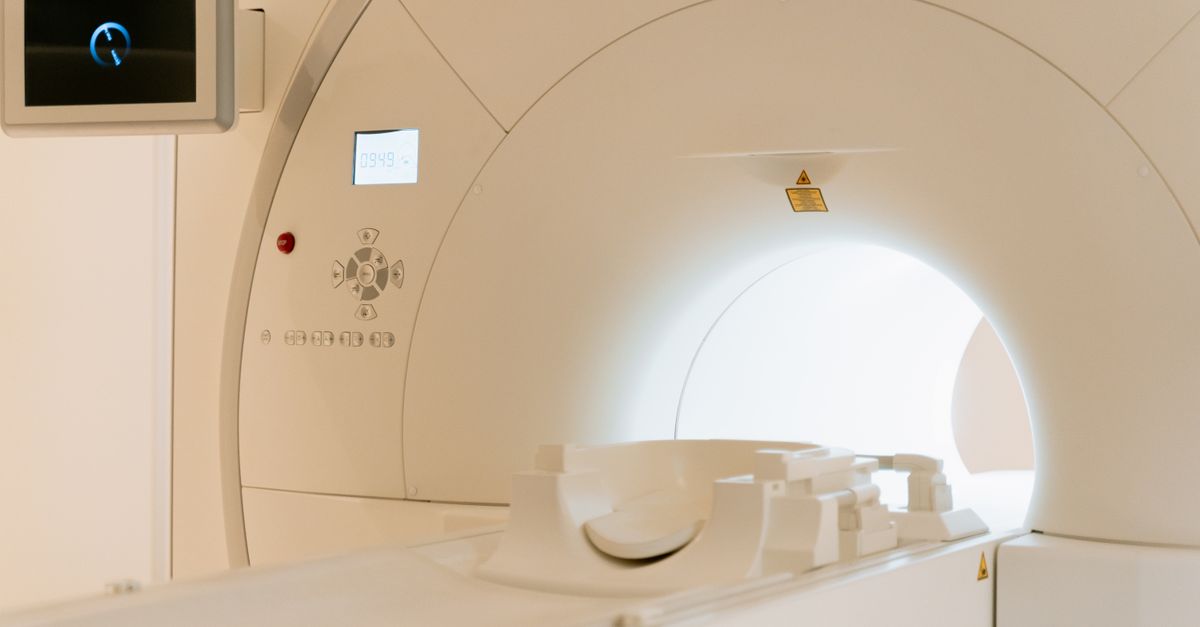
Mobile imaging systems are designed to bring diagnostic capability wherever patients need it—operating rooms, emergency bays, or nursing homes. They typically include a tablet or laptop interface, a lightweight X‑ray tube and detector, and software that streams images directly to the electronic health record (EHR). The key selling points are portability, reduced radiation exposure, and faster turnaround.
In 2026, many facilities are also evaluating hybrid solutions that combine point‑of‑care imaging with cloud analytics. These platforms can automatically flag image quality issues, suggest dose adjustments, or even provide preliminary AI triage, which further streamlines clinical workflows.
Core Features to Evaluate
- Detector resolution (minimum 0.25 mm)
- Wireless connectivity standards (Wi‑Fi 6 / LTE/5G)
- Radiation dose management tools
- EHR integration APIs
- Battery life and charging options
- Compliance with HIPAA and ISO 13485
- User training support and documentation
- Warranty and on‑site service response time
When comparing vendors, I always check how each feature aligns with my facility’s workflow. A system that looks great in a brochure may falter if it can’t sync images to the EHR without manual steps.
2. Key Features to Compare Digital X‑ray Services
Digital X‑ray services are the backbone of mobile imaging. They convert raw detector data into DICOM files that clinicians can review instantly. The quality of these files determines diagnostic confidence, so I focus on image fidelity, noise levels, and contrast resolution.
It’s also important to verify whether the software offers automated calibration routines, which help maintain consistent image quality over time without extensive manual intervention.
Performance Metrics to Measure
- Signal‑to‑Noise Ratio (SNR)
- Contrast‑Detail Curve
- Dynamic range (bits per pixel)
- Image compression artifacts
- Processing latency from exposure to display
- Radiation dose metrics (mGy·cm²)
- Software updates frequency
In my experience, a system that offers automatic dose adjustment based on patient size often saves time and reduces repeat exams. I also verify that the software can handle common diagnostic tasks such as orthopedics, trauma, and dental imaging.
3. Extremity X‑ray Imaging: Specific Needs and Equipment Choices
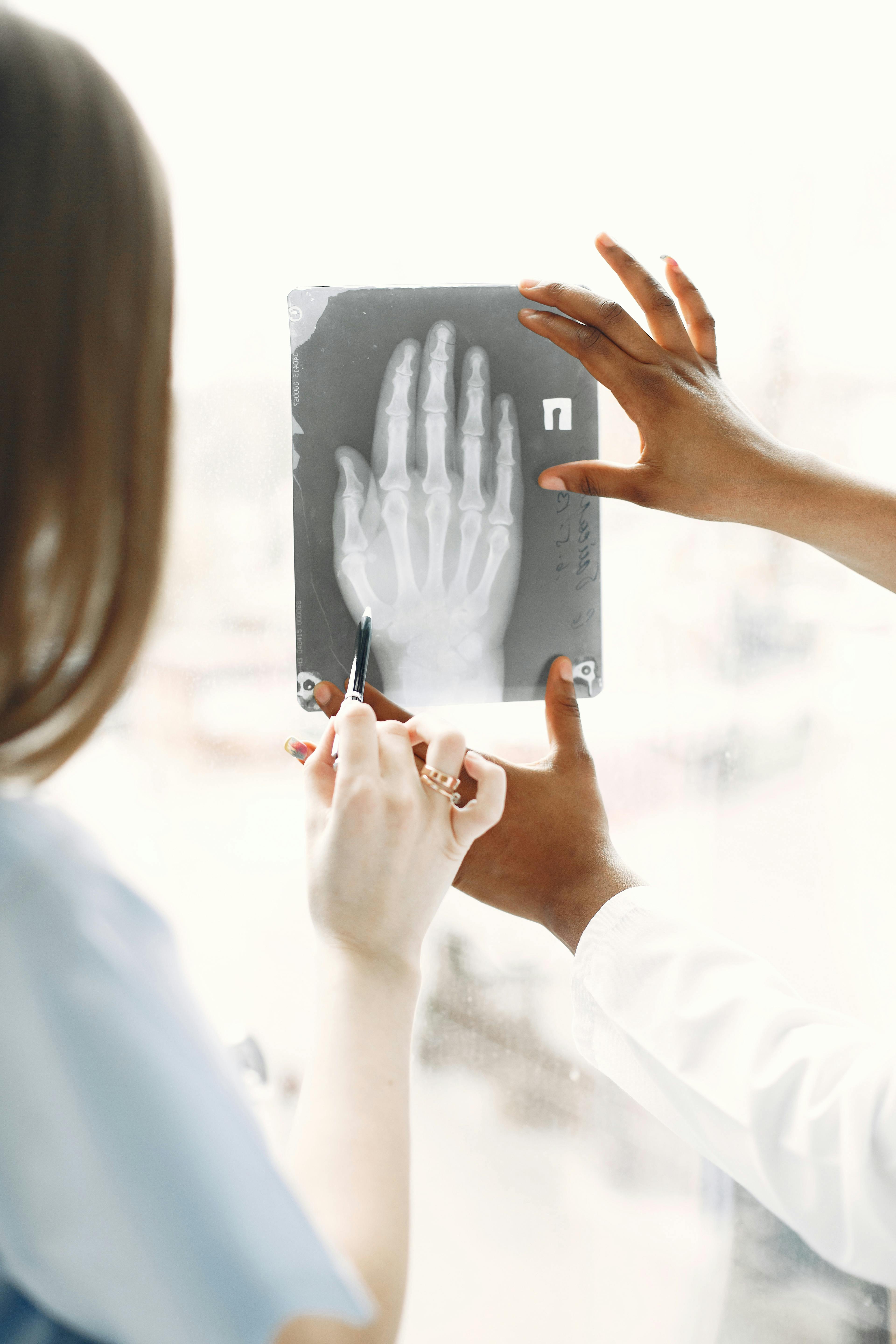
Extremity imaging demands high spatial resolution to detect fractures in small bones. Mobile units for extremities usually feature a dedicated detector panel and adjustable gantry height. They must also accommodate various patient positions—standing, sitting, or lying down.
Because extremity exams frequently involve orthopedic surgeons who rely on fine detail for surgical planning, many vendors now offer optional high‑resolution “panoramic” modes that can capture an entire limb in a single exposure, reducing the need for multiple shots.
Considerations for Extremity Units
- Detector size (e.g., 20 × 25 cm)
- Adjustable beam collimation
- Integrated positioning aids (markers, templates)
- Compatibility with orthopaedic software modules
- Ease of sterilization for shared use
- Weight distribution for safe transport
- Battery life during prolonged shifts
A well‑designed extremity kit can reduce the need to move patients, minimizing risk and improving throughput. I’ve seen units that lack proper collimation lead to unnecessary radiation exposure—a costly mistake.
4. Skilled Nursing Facility Imaging: Challenges and Best Practices
Skilled nursing facilities face unique constraints: limited space, variable patient mobility, and budget restrictions. Mobile imaging here must be robust yet simple enough for non‑radiology staff to operate after brief training.
One practical approach is to implement a “one‑button” protocol that automatically selects the optimal exposure parameters for common fall injuries. This reduces user error while maintaining diagnostic quality.
Essential Features for Skilled Nursing Settings
- Compact footprint (≤ 120 L)
- Intuitive touch interface with pre‑set protocols
- Automated dose calculation based on patient weight
- Low maintenance consumables
- Durable chassis resistant to spills and impact
- Remote support via cloud connectivity
- Cost of ownership (CAPEX + OPEX)
In my experience, facilities that invest in a dedicated mobile unit for fall‑related injuries see a measurable drop in transfer rates to larger hospitals. The key is ensuring the system can be operated safely by nursing staff without compromising image quality.
5. Cost Considerations and ROI for Mobile Imaging
Budgeting for a mobile imaging solution involves more than the purchase price. You must factor in consumables, maintenance, training, and potential savings from reduced patient transfers.
Many organizations use a simple pay‑back model: divide the total cost of ownership over five years by the annual savings from avoided ambulance trips, shorter ED stays, and reduced readmissions. This gives a clear dollar value to each component of the investment.
Cost Breakdown to Watch For
- Initial acquisition cost (hardware + software)
- Annual service contracts
- Consumable replacement (filaments, batteries, detectors)
- Training hours per staff member
- Software subscription fees for updates and analytics
- Potential savings from avoided admissions or delayed care
- Tax incentives or grants for medical equipment upgrades
ROI calculations should include both direct financial benefits—like reduced ambulance use—and indirect gains, such as improved patient satisfaction scores that can affect reimbursement rates.
6. Common Mistakes When Implementing Mobile Imaging
Even with a solid plan, many facilities slip into pitfalls that erode the expected benefits. Avoiding these mistakes saves time and money.
A common oversight is assuming that once hardware is in place, workflow will automatically adapt. In reality, integrating new imaging capabilities often requires re‑engineering processes such as triage protocols, documentation standards, and radiology reporting workflows.
Top Implementation Pitfalls
- Underestimating training needs for all users
- Neglecting to test EHR integration in a staging environment
- Overlooking radiation safety audits during rollout
- Choosing a system without scalability options
- Failing to secure proper vendor support agreements
- Ignoring workflow analysis before deployment
- Not establishing clear maintenance schedules
A systematic approach—starting with a needs assessment, followed by pilot testing and staff feedback—helps prevent these common errors.
7. Decision Checklist for Mobile Imaging Adoption
Use this concise checklist to evaluate potential solutions before making a commitment.
During the evaluation phase, it’s helpful to assign weighted scores (e.g., 1‑5) to each criterion and calculate an overall score that reflects both clinical priorities and budgetary constraints. This quantitative method makes trade‑offs transparent for stakeholders.
Final Evaluation Matrix
- Clinical fit: Does the system meet diagnostic needs?
- Integration: Seamlessly connects with existing EHR and PACS.
- User acceptance: Staff find it intuitive and reliable.
- Cost parity: Total cost of ownership aligns with budget.
- Vendor reliability: Proven support history and response times.
- Compliance: Meets all regulatory standards for patient safety.
If you score high across these items, the solution is likely a good fit. A low score on any point warrants further investigation or reconsideration.
The most critical factor in selecting a mobile imaging solution is how well it integrates into your existing clinical workflow without adding complexity. What are the biggest challenges you’ve faced when integrating mobile imaging systems into your facility’s daily operations?Frequently Asked Questions
Browse answers to common questions about our services.