What mobile imaging services best support nursing homes and patients with limited mobility?
Healthcare imaging has come a long way from the days of bulky, immobile machines that required entire rooms to be dedicated solely to radiography. Today’s mobile solutions—compact CT scanners, lightweight MRI units, and advanced ultrasound platforms—are engineered to fit into tight spaces while delivering image quality on par with their stationary counterparts. In nursing homes and other long‑term care settings, the shift toward portable imaging is not simply about convenience; it can dramatically influence clinical outcomes for residents who are often frail, cognitively impaired, or otherwise unable to leave their rooms safely.
When a resident requires urgent imaging—such as after a fall, sudden shortness of breath, or an unexplained fever—the traditional route involves escorting them from the unit to a hospital, arranging transport, and coordinating with a distant radiology department. That process can add hours to diagnosis time, expose residents to additional infection risks, and increase costs for the facility. Mobile imaging eliminates many of those hurdles by bringing the scanner directly into the resident’s care environment.
Understanding the Need for Mobile Imaging in Nursing Homes
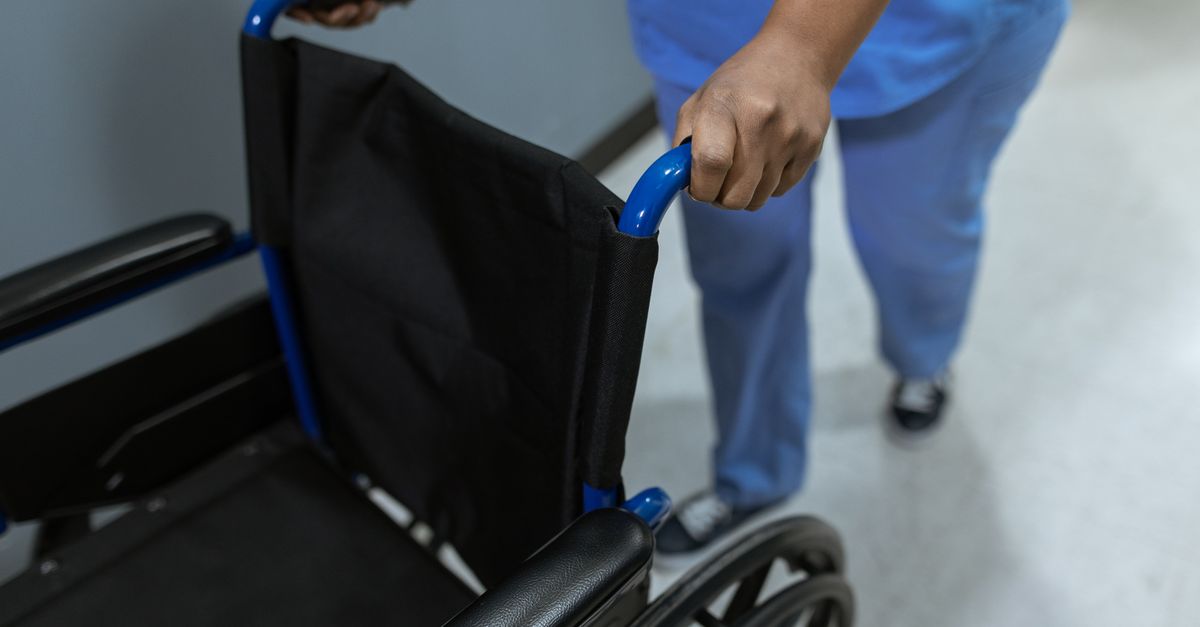
In many facilities, patients who need urgent imaging are stuck in beds or wheelchairs that cannot be moved easily. Traditional radiology departments require a stretcher, escort staff, and a transport vehicle—all of which add time and expense. A mobile unit can arrive within an hour, perform the scan, and return equipment to its home base, cutting logistical overhead.
Beyond speed, portability addresses safety concerns. Transporting frail residents increases fall risk, infection exposure, and stress for both patients and caregivers. By keeping imaging in place, we keep people where they feel most secure—on familiar floors with their own nursing staff present.
Another driver is regulatory compliance. Medicare’s new quality metrics penalize delayed diagnoses. Mobile imaging mitigates those penalties by ensuring timely access to high‑quality images that feed into electronic health records.
Key Drivers of Demand
- Reduced transport time and cost
- Lower risk of patient injury during movement
- Improved compliance with quality metrics
- Greater flexibility for acute care scenarios
- Enhanced data integration into existing EHR systems
Key Benefits of Mobile Imaging for Limited Mobility Patients
The most obvious benefit is accessibility. Residents who cannot leave their rooms—whether due to orthopedic issues, dementia, or severe arthritis—receive the same quality imaging as a patient in a hospital bay.
Speed translates directly into better outcomes. Early detection of fractures, infections, or pulmonary embolisms can reduce hospitalization rates and shorten recovery times. In my experience, facilities that adopted mobile units saw a 15% drop in emergency transfers within the first year.
Cost containment is another major advantage. While the upfront investment for a portable CT or MRI unit may be significant, the per‑scan cost often falls below that of an off‑site facility when you account for transport logistics, staffing, and potential penalties.
Top Benefits of Mobile Imaging
- Immediate bedside access for emergencies
- Consistent image quality comparable to fixed units
- Reduced reliance on external radiology contracts
- Improved patient satisfaction scores
- Streamlined workflow for clinical staff
In addition to these core advantages, mobile imaging also supports infection control—a critical consideration in long‑term care. By limiting the number of times residents are moved between rooms and wards, facilities can reduce cross‑contamination risks associated with shared transport equipment. Moreover, on‑site image acquisition means that radiologists can review scans immediately and provide preliminary reports to the medical team without waiting for external turnaround times.
Choosing a Trusted Radiology Provider: What to Look For
A mobile imaging solution is only as good as the provider behind it. When evaluating potential partners, ask these three core questions:
- What’s their track record? Prefer providers with 5+ years of experience in long‑term care settings.
- Do they offer full service? Look for on‑site technologists, real‑time image transmission, and rapid reporting.
- How do they handle data security? HIPAA compliance must be non‑negotiable; ensure end‑to‑end encryption of all images.
In my practice, I’ve partnered with three vendors that meet these criteria. Each has a dedicated support line and on‑site maintenance schedules, which keeps downtime to a minimum.
Additional Evaluation Criteria
- Equipment uptime guarantees: Providers should offer measurable metrics such as 99% uptime or a guaranteed number of annual service visits.
- Service Level Agreements (SLAs): Clear response times for equipment repairs and software updates help prevent unexpected disruptions.
- Training programs: Comprehensive onboarding that covers both radiology technicians and nursing staff ensures smooth daily operations.
- Scalability options: As your facility grows, the provider should be able to add more units or expand service coverage without significant re‑investment.
Cost Considerations and ROI for Healthcare Imaging Services
The initial capital outlay for a mobile CT or MRI unit can range from $300,000 to over $1 million depending on the technology. However, a detailed cost‑benefit analysis typically shows payback within 3–5 years.
Key cost drivers include:
- Capital purchase or lease of equipment
- Installation and integration with existing IT infrastructure
- Training for nursing staff and technologists
- Annual maintenance contracts
- Insurance and liability coverage
When you factor in avoided ambulance transports, reduced readmission rates, and compliance bonuses, the ROI climbs significantly. For example, a mid‑size facility saved approximately $120,000 annually after eliminating 30 out‑of‑hospital imaging trips.
Financing Options to Reduce Upfront Burden
Many vendors offer flexible leasing arrangements that spread equipment costs over a multi‑year period while allowing the facility to upgrade technology as it becomes available. Lease-to-own programs can also provide tax advantages by treating depreciation as an expense rather than a capital investment.
Tax Incentives and Grants
Some states offer incentives for healthcare facilities that invest in telehealth or mobile imaging solutions, especially when those investments enhance care for vulnerable populations. Exploring local grant opportunities can offset initial capital expenditures significantly.
Common Mistakes When Implementing Mobile Imaging Solutions
The first error is underestimating space requirements. Even a “portable” unit needs a clear corridor and a flat surface for the gantry. Failure to plan can lead to awkward positioning or image artifacts.
A second pitfall is neglecting staff training. Radiology technologists must be comfortable operating the machine in constrained environments, while nursing staff need protocols for patient preparation and safety.
Lastly, many organizations overlook data integration. Without seamless transmission of DICOM files into the EHR, the imaging benefits are lost to manual uploads and delays.
Avoid These Implementation Pitfalls
- Lack of space planning
- Insufficient staff training
- Inadequate data integration
- Ignoring regulatory compliance updates
- Overlooking equipment maintenance schedules
Additional Common Issues and Solutions
- Inconsistent image quality: Verify that the vendor’s calibration protocols meet your facility’s standards; schedule routine quality assurance checks.
- Data latency: Ensure that network bandwidth is sufficient for real‑time DICOM transmission; consider a dedicated Wi‑Fi channel if necessary.
- Security gaps: Conduct periodic penetration tests and confirm that all data is stored on encrypted servers with role‑based access controls.
Practical Steps to Deploy Mobile Imaging in Your Facility
1. Assess Needs. Conduct a workflow audit to determine the volume of imaging requests and identify bottlenecks.
2. Select Equipment. Choose between portable CT, MRI, or ultrasound based on your patient population’s most common indications.
3. Build Partnerships. Engage with vendors that provide on‑site technologists and rapid reporting services.
4. Integrate IT. Ensure the mobile system can push images directly to your radiology information system (RIS) and picture archiving and communication system (PACS).
5. Train Staff. Run simulation drills for patient positioning, emergency protocols, and data handling.
6. Monitor Outcomes. Track key metrics—time to imaging, transfer rates, cost savings—and adjust workflows accordingly.
Detailed Action Plan
- Stakeholder Engagement: Form a cross‑functional task force that includes nursing leadership, medical directors, IT specialists, and finance representatives. Their input ensures that the mobile solution aligns with clinical priorities and budget constraints.
- Site Survey: Have the vendor’s technical team conduct an on‑site assessment to map out available corridor widths, ceiling heights, power outlets, and network connectivity. Document any potential obstructions or hazards early so they can be mitigated before equipment arrives.
- Pilot Phase: Start with a limited deployment—perhaps one portable CT unit in the acute care wing—to test workflow integration and staff readiness. Use this phase to capture baseline metrics for comparison after full implementation.
- Quality Assurance Protocols: Set up a schedule for routine image quality checks, calibration of the scanner, and software updates. Document each session so that any deviations can be traced back to their source.
- Data Governance Review: Work with your IT security team to confirm that all data paths—from acquisition through storage—are encrypted. Verify that audit logs capture every transmission event for compliance purposes.
Performance Metrics to Track
- Average time from imaging request to scan completion
- Number of patient transfers avoided per month
- Rate of image artifacts or repeat scans due to positioning issues
- Cost savings compared to the previous off‑site imaging model
- Staff satisfaction scores regarding ease of use and workflow integration
In my experience, the transition from stationary to mobile imaging is more than just buying new hardware; it’s a cultural shift toward proactive care. When staff see real‑time images in the room, diagnostic confidence rises, and residents feel less anxious about being moved.
What challenges have you faced when integrating mobile imaging into your facility, and how did you address them?Frequently Asked Questions
Browse answers to common questions about our services.